
Screenshots
App details
- Updated
- Feb 5, 2011
- Language
- English
- Category
- Mobile
SoftPas in:
This product is also available in the following languages:
About Preset Viewer Breeze
Download Preset Viewer Breeze – Photoshop, brushes, patterns, shapes, styles, fonts, asset viewer, design tool, creative workflow, utility app
Overview
Preset Viewer Breeze is a specialized utility app designed to streamline the management and visualization of creative assets used in Adobe Photoshop. Its primary purpose is to allow users to view and organize brushes, patterns, shapes, styles, and installed fonts from a centralized, user-friendly interface. By bypassing the need to navigate through Photoshop’s native interface, users can access their asset libraries directly from the app, saving time and reducing workflow friction. This tool is particularly beneficial for graphic designers, digital artists, and content creators who rely heavily on Photoshop’s extensive preset ecosystem.
The app addresses a common pain point: the difficulty of locating or assessing installed assets when working across multiple projects. With Preset Viewer Breeze, users can quickly identify redundant, unused, or missing presets, enabling better asset hygiene and project consistency. It also supports efficient folder management, allowing users to reorganize or archive assets without disrupting their design process. The tool enhances the creative workflow by offering a clean, distraction-free environment for asset discovery and maintenance.
Developed by Arnold A. Howe, the app has been available since 2011, indicating a long-standing presence in the design tool ecosystem. Although the developer did not provide additional technical details, the app’s continued relevance suggests a stable and reliable performance. It serves as a practical complement to Adobe Photoshop, filling a niche for efficient asset management on Windows platforms. For regular Photoshop users, this utility app offers tangible benefits in productivity and organization.
Key Features & Functionality
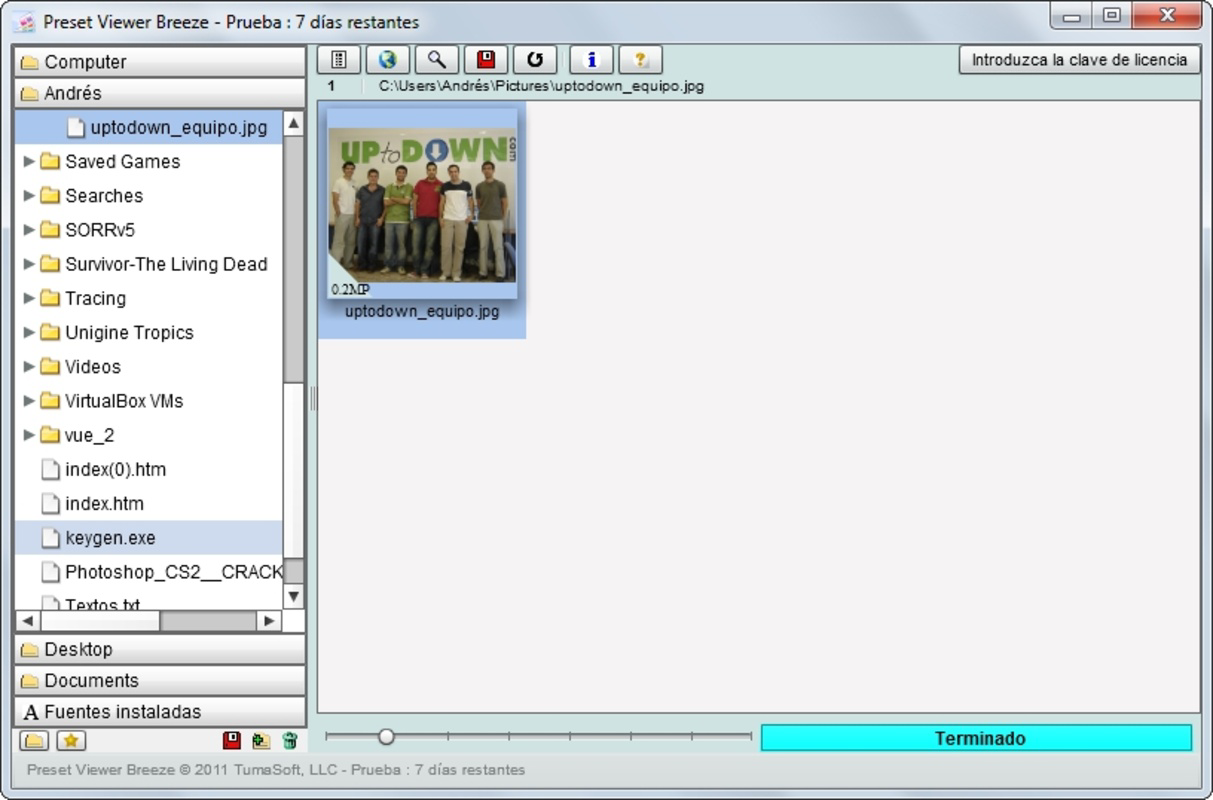
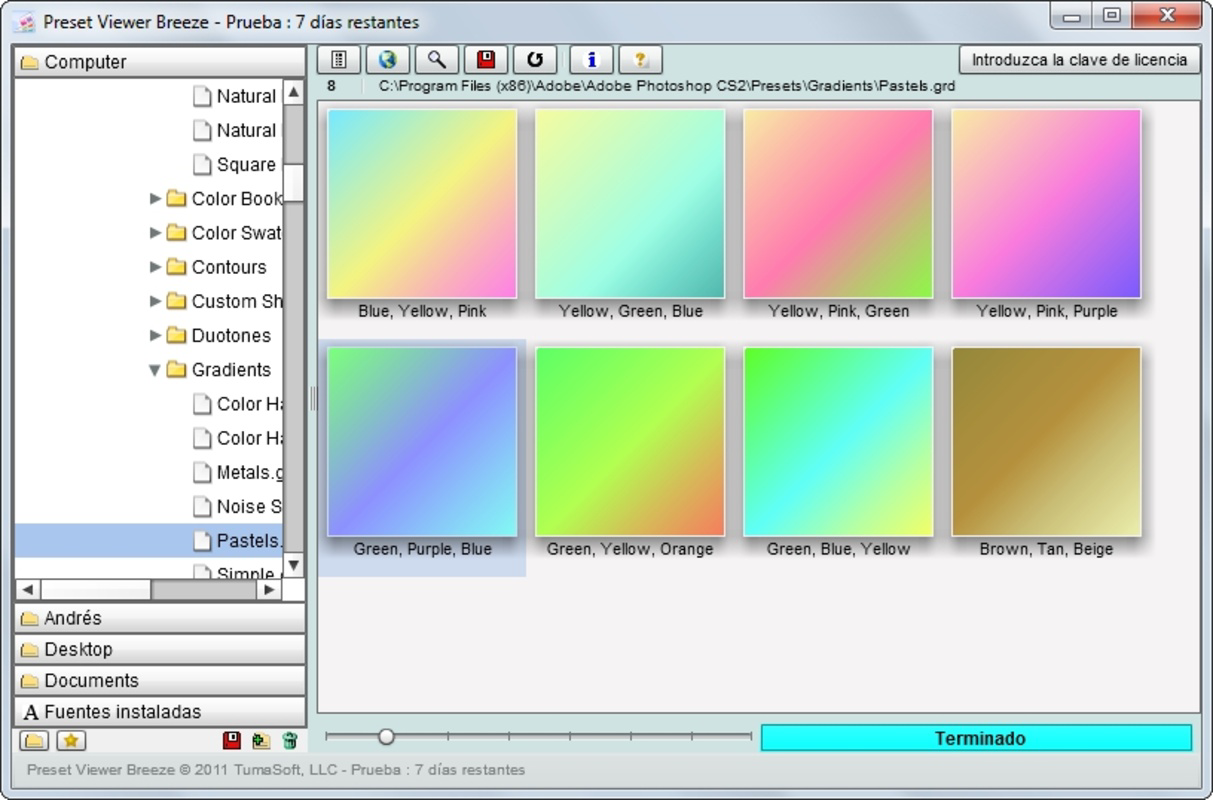
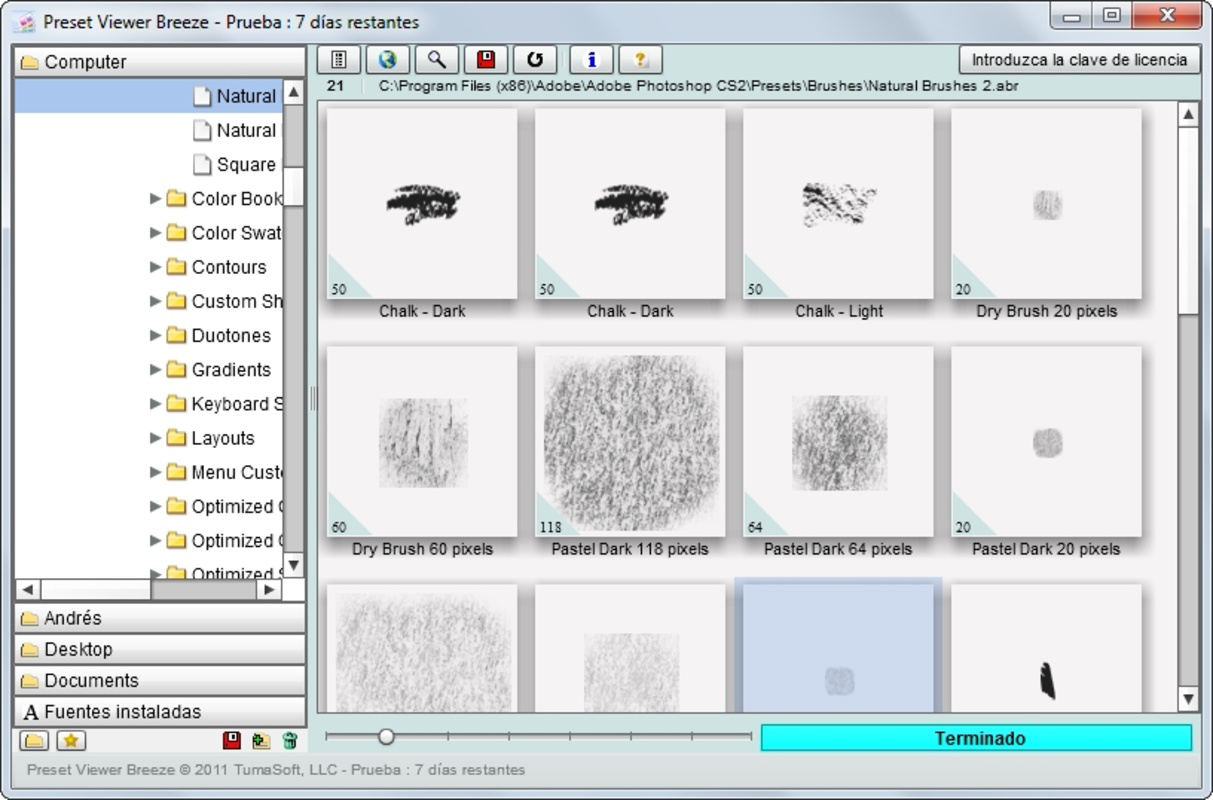
- Convenient Asset Viewing: Users can browse all installed Photoshop brushes, patterns, shapes, and styles directly from the app’s interface, eliminating the need to open Photoshop. This feature enables quick visual verification of asset availability and helps identify duplicates or outdated files.
- Organized Interface: The app features a clean, visually appealing layout that minimizes clutter and enhances usability. This design allows users to focus on asset discovery without distractions, improving navigation efficiency across large collections.
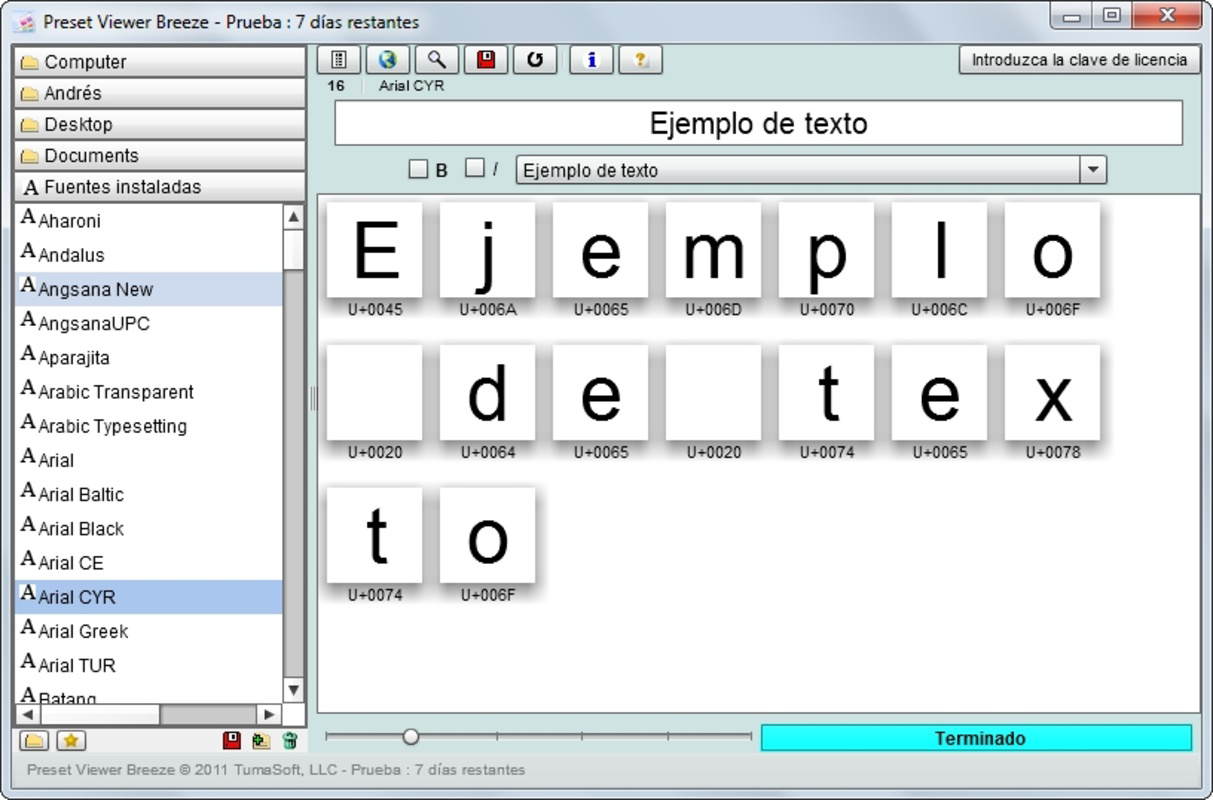
- Font Browsing Capability: Beyond visual presets, Preset Viewer Breeze includes the ability to explore all fonts installed on the computer. This functionality supports typographic experimentation and integration into design projects, expanding creative options.
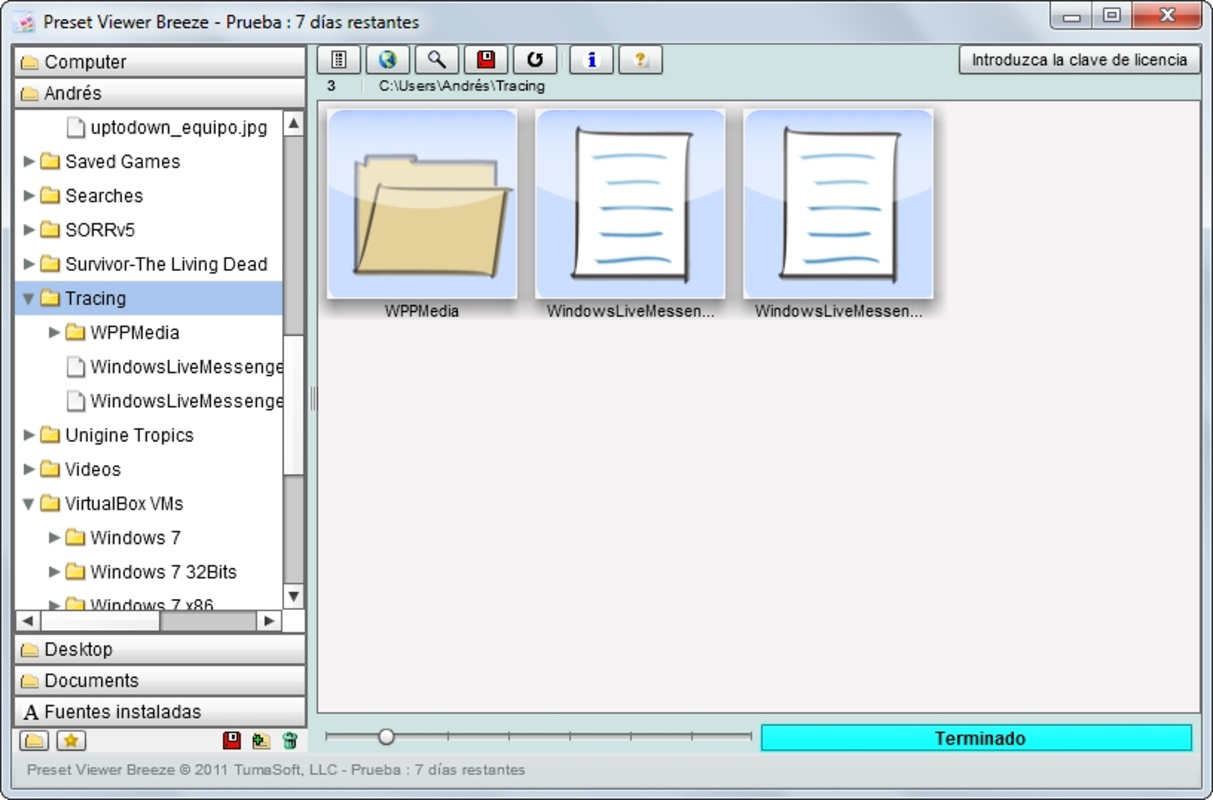
- Efficient File Management: The tool aids in organizing asset folders by providing a clear visual representation of file structures. Users can identify unnecessary files, consolidate similar assets, and maintain a well-structured workspace, which contributes to improved long-term productivity.
- Workflow Optimization: By centralizing access to key creative assets, the app reduces time spent searching across directories or within Photoshop. This makes it ideal for users managing multiple projects with varying preset requirements.
Real-world use cases include preparing for a new design project, auditing outdated assets, or quickly selecting a brush style during a client presentation. The app’s straightforward functionality makes it suitable for both novice and experienced Photoshop users who value efficiency and organization.
Interface, UX & Performance
The user interface of Preset Viewer Breeze is described as clean and eye-pleasing, emphasizing usability and visual clarity. Navigation is designed to be intuitive, allowing users to access asset folders with minimal effort. The layout prioritizes readability and ease of access, ensuring that even large collections of brushes or fonts can be browsed efficiently.
Although the developer did not list formal performance metrics, the app’s lightweight size of 4.8 MB suggests optimized resource usage. It is likely to run smoothly on a wide range of Windows systems, including those with limited hardware capabilities. The app’s responsiveness is expected to be consistent, given its focused functionality and lack of complex background processes.
Stability appears to be a strength, considering the app’s release date in 2011 and its continued availability. Users can expect reliable operation without frequent crashes or errors. However, compatibility with modern Windows versions has not been explicitly confirmed, so users should verify system requirements before installation. The app’s minimalistic design and low file size indicate a focus on performance and accessibility.
Platform Compatibility & Technical Requirements
Preset Viewer Breeze is designed for the Windows platform and is available as a standalone executable. The current version is 1.0, with a file size of 4.8 MB. This compact size suggests a lightweight application that does not require significant system resources.
The developer did not specify minimum OS requirements or compatibility details for newer Windows versions. Users should exercise caution when installing on systems running Windows 10 or later, as the app was originally released in 2011. While many legacy applications continue to function on updated systems, compatibility is not guaranteed. It is recommended to test the app in a controlled environment before full deployment.
Installation is straightforward, and the app does not require administrative privileges or additional software dependencies. Its free price point makes it accessible to all users, particularly those seeking a no-cost solution for asset management.
Pros and Cons
- Free to download and use with no hidden costs
- Lightweight design with minimal system impact
- Intuitive interface for efficient asset browsing
- Supports multiple asset types: brushes, patterns, shapes, styles, and fonts
- Enhances workflow by reducing reliance on Photoshop for asset checks
- Compatibility with modern Windows versions is not confirmed
- No official updates since 2011; may lack support for newer file formats
- Developer did not provide technical specifications or system requirements
- Limited to Windows; no support for macOS or mobile platforms
- Lacks advanced filtering or search functionality beyond folder navigation
FAQ
Is Preset Viewer Breeze compatible with Windows 10 and Windows 11?
The developer did not specify compatibility with Windows 10 or 11. While the app may function on these systems, it is recommended to test it in a safe environment before full use.
Can I use Preset Viewer Breeze on macOS or mobile devices?
Currently, the app is only available for Windows. There is no official support for macOS, iOS, or Android platforms.
Is Preset Viewer Breeze safe to download and install?
Yes, the app is free and does not require third-party software. However, users should download it from trusted sources to ensure the file is unmodified and secure.
Does Preset Viewer Breeze require Adobe Photoshop to be installed?
No, the app does not require Photoshop to be installed. It accesses asset folders directly, making it useful even for users who have Photoshop but prefer a separate viewing tool.
How often is Preset Viewer Breeze updated?
The app has not received any updates since its release in 2011. The developer has not announced future updates or maintenance plans.
Final Thoughts
Preset Viewer Breeze remains a niche but valuable tool for Photoshop users seeking a streamlined way to manage their creative assets. Its ability to display brushes, patterns, shapes, styles, and fonts in a clean, organized interface offers a tangible improvement over navigating through Photoshop’s native panels. While the app lacks modern features and has not been updated in over a decade, its core functionality remains effective for users who prioritize simplicity and efficiency.
It is particularly well-suited for designers who maintain large preset libraries and want to audit, organize, or quickly reference their assets without launching Photoshop. The free price point and small file size make it an accessible choice for both hobbyists and professionals. Despite its age, it continues to serve a specific, practical need in the creative workflow ecosystem.
For those using Windows and relying on Adobe Photoshop, Preset Viewer Breeze offers a lightweight, no-frills solution to asset management. Download Preset Viewer Breeze now and enhance your creative workflow with a tool that puts your assets at your fingertips.
Guides & Tutorials
How to install Preset Viewer Breeze
- Click the Download button above.
- Once redirected, accept the terms and click Install.
- Wait for the Preset Viewer Breeze download to finish on your device.
How to use Preset Viewer Breeze
This software is primarily used for its core features described above. Open the app after installation to explore its capabilities.
User Reviews
No reviews yet. Be the first to share your experience.
You may also like
more
Que no te pillen¡
About !Que no te pillen¡Reviewed by Jason A. BilbreyShow MoreShow Less

3D Combat Zone
About 3D Combat ZoneOriginally released in 1983, 3D Combat Zone immerses players...

666: El día del portal
About 666: El día del portalOn June 6, 2006, Agent P. Stone uncovers a sinister...

80 in 1 Best Flash games
About 80 in 1 Best Flash games 80 in 1 Best Flash games is a collection of 80 fl...

ABYSS SEEKERーーWhat Do You See Deep in The Abyss
About ABYSS SEEKERーーWhat Do You See Deep in The AbyssIn ABYSS SEEKER, players...

ACA NEOGEO THE KING OF FIGHTERS 2002 for Windows
About ACA NEOGEO THE KING OF FIGHTERS 2002 for WindowsTHE KING OF FIGHTERS 2002,...